Order ticket
Buy or sell, spot or futures, leverage set with the margin ratio in view, and an amount entered in the currency you prefer.




Each control an open position needs, a single order ticket, and both spot and futures.
All of them belong to one screen rather than separate apps.
Buy or sell, spot or futures, leverage set with the margin ratio in view, and an amount entered in the currency you prefer.
The latest trades next to both sides of the spread.
Full screen, indicators, and timeframes starting at one minute.
Each row carries buy and sell quotes; find pairs by search or by class filter.
Why each position was closed, profit and loss on every trade, and your open and closed trades.
Read the news feed without leaving the platform.
Of the four steps, three are choices you make while nothing is yet at risk.
Filter by class or search by name, and watch the quote update live.
Type an amount, or choose leverage and the ticket calculates the margin for you.
Define each exit as a price or a percentage distance: stop-loss and take-profit.
Track live profit and loss on open trades and see why each one closed.
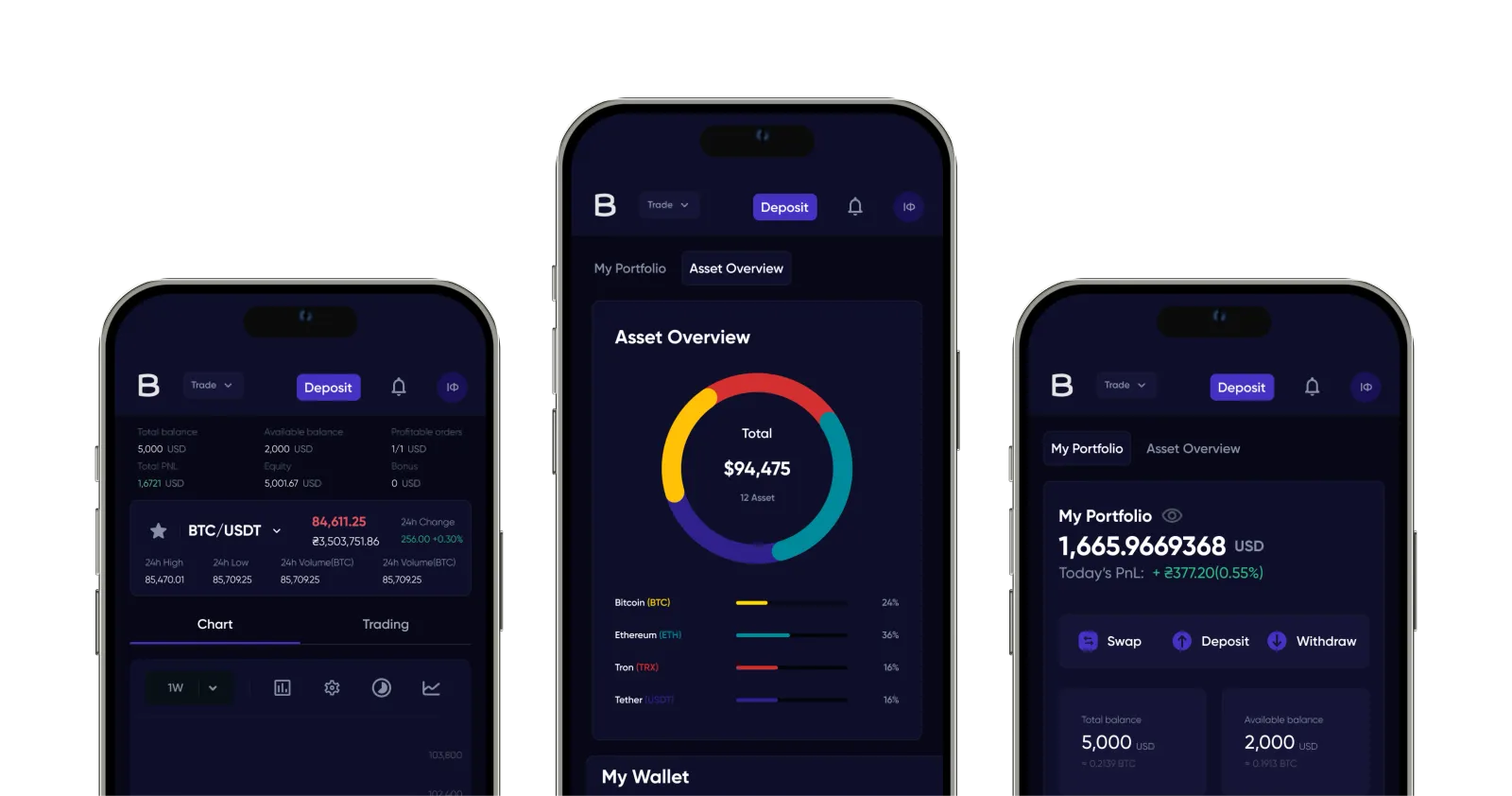
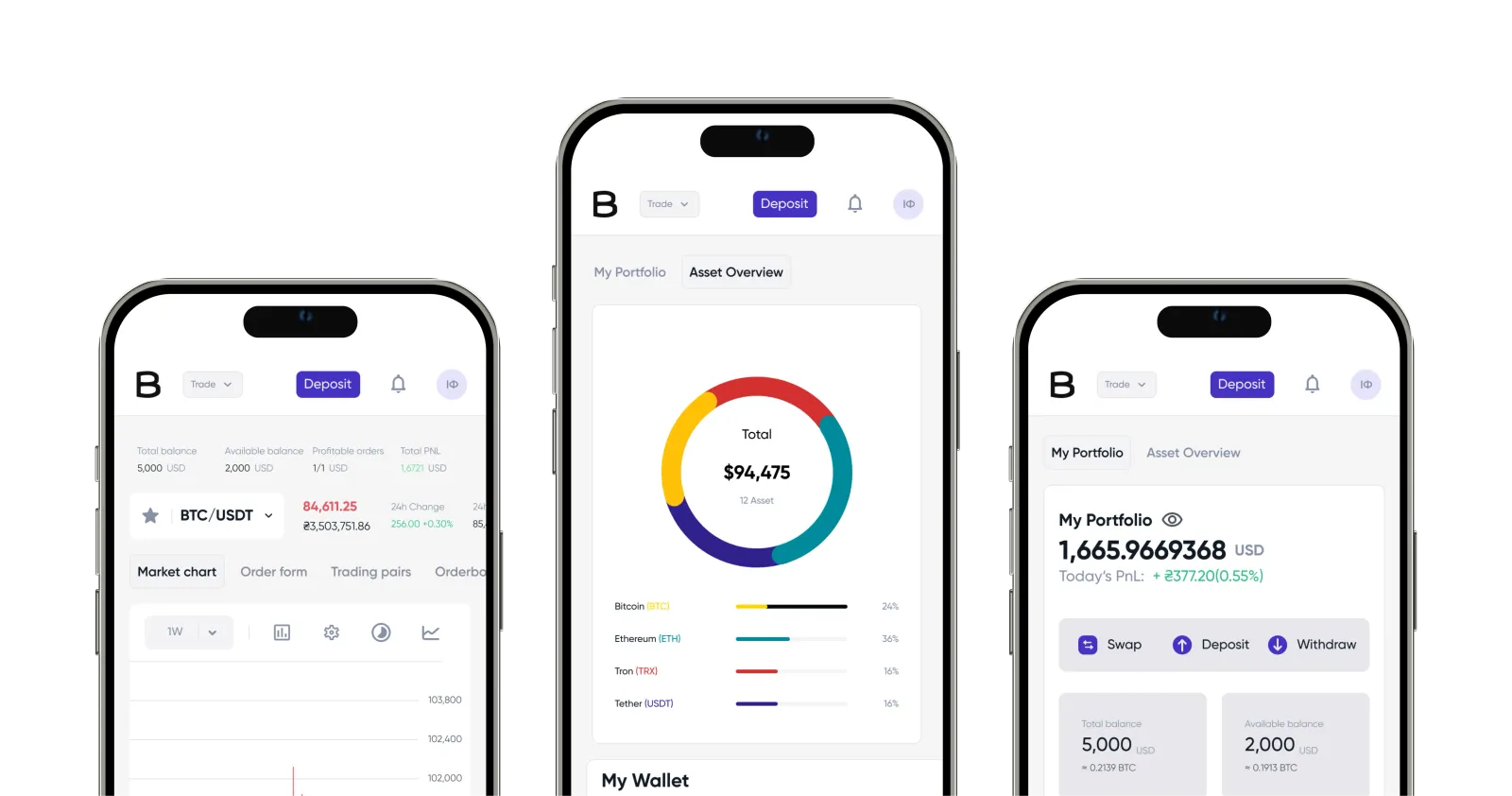
Choose a coin and a period. The terminal runs on the same series, over a longer scale.
Price over time
Fetching market prices
Prices cannot be shown at the moment. Please check back in a little while.
Slide along the chart to see the value at any point.
From the moment you first log in, the terminal, wallet and help centre are yours to use. Signing up takes a few minutes.